Twitch Shadowban: What It Is and How to Check
You are live, the viewer count is flat, and your first thought is: "I've been shadowbanned." There is a lot of panic and myth surrounding this term. Let's break down what a shadowban actually is, how to test for one, and why it is rarely the real problem.
What People Call a Shadowban
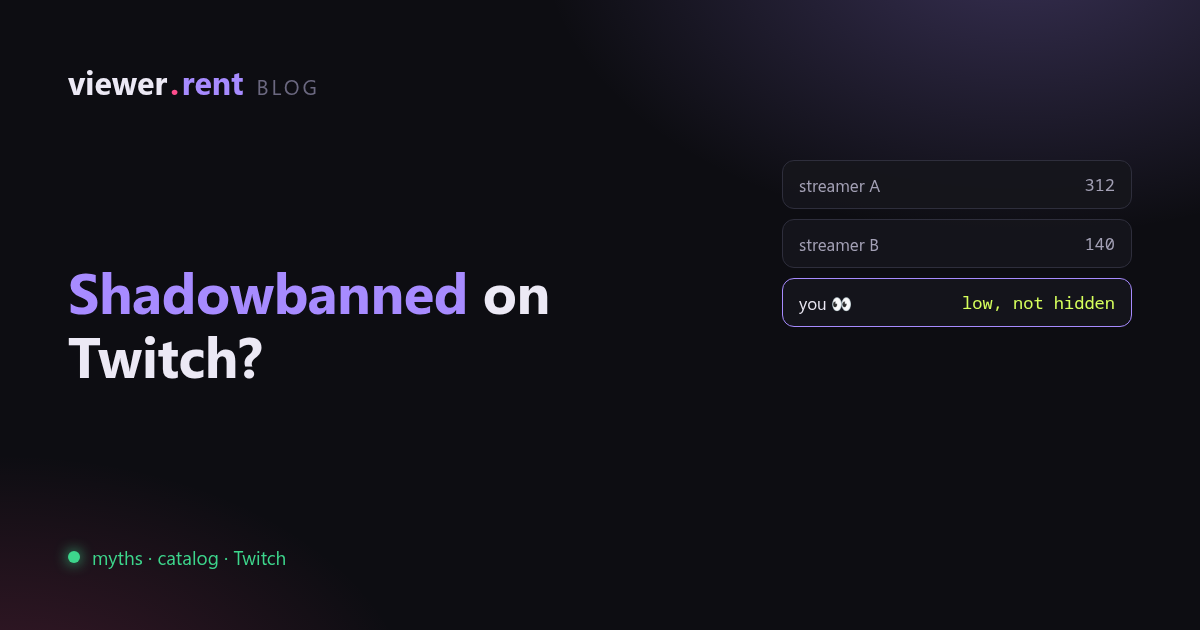
A shadowban is typically described as a situation where a channel stops appearing in the directory or search results, even though there is no official suspension. You keep streaming and everything looks normal, but since no one joins, it feels like the platform hid you.
It is important to distinguish between two things. Official sanctions (warnings, chat bans, or account suspensions) are transparent. You get a notification. A silent "ranking drop" without any warning, as many imagine it, generally does not exist.
Real Reasons for "Invisibility"
Almost every shadowban complaint is actually caused by one of these common factors.
You are at the bottom of the list. With zero or a few viewers, you sit on the last page of a category. Nobody scrolls that far. This is not a ban, it is just how sorting math works.
Overcrowded categories. In a top-tier game, thousands of channels sit above yours. You are technically visible, but practically invisible.
Lack of external traffic. If you aren't bringing people in via clips, social media, or Discord, the directory is your only source. Since you are at the bottom, you get no hits.
Minor technical errors. Wrong tags, a blank title, or an unset category make it harder for people to find you.
How to Verify Your Status
Before blaming a shadowban, run through this quick checklist.
Open your category and sort by viewer count. Look for your name. If you are there, you aren't hidden, you are just low in the rankings.
Double check that your category, tags, and title are correctly set.
Visit your channel in incognito mode. If the page loads and the video plays, your visibility is fine.
Check your notifications and email. Real penalties are always sent explicitly.
How to Fix It
If there are no official sanctions but traffic is low, the issue is position, not a ban. The solution is the same as any growth strategy: climb the directory and drive outside traffic.
Pick a less crowded category where your current numbers carry more weight.
Optimize your title and tags to make discovery easier.
Pull viewers from clips and socials instead of relying solely on the platform's internal list.
Increase and maintain your concurrent viewership: the higher you rank, the more organic discovery you get.
Why the term is confusing
Twitch does not have an official shadowban. The term is used to describe several different situations: your channel disappeared from search, the stream is not visible in the category, or viewers stopped joining. The causes vary, but the suggested fixes are often oversimplified.
Because of this, people usually look for answers in the wrong place. They read about hidden sanctions while the real reason is in the channel settings or simply because the category is overcrowded.
It is more useful to analyze the symptoms. Do not ask if you are shadowbanned; ask where exactly the channel is not showing up.
What to check first
Channel language. If it is set incorrectly, your channel ends up in the wrong list where nobody is looking for it.
Category. An empty or incorrect category kicks your stream out of the directory where people would find you.
Mature content tag. Enabling this unnecessarily reduces your reach.
Title. A stream without a title or with only one emoji looks like a blank line in the list.
These four points cover most complaints about invisibility. They take a minute to check, but because they seem too simple, people usually check them last.
How long to wait and when to contact support
If your settings are correct, give your channel a few streams. Category rankings do not change instantly, and one evening is not enough to tell.
Contacting support makes sense when you have specifics: the channel cannot be found by the exact nickname, the stream does not appear in the category while live, or the page shows an error. A general I am invisible message will not get an answer.
Keep your email emotionless and factual: date, stream time, what exactly you checked, and what you saw. These requests get handled, while complaints rarely do.
How viewer.rent Helps
Since "invisibility" is usually just a low directory rank, our tools target that exact problem.
A stable viewer floor pushes you up the category sorting, placing you where people actually look.
AI chat keeps the stream feeling active so new arrivals stay longer.
Growth is smooth, using residential IPs. You only pay for the minutes you are on air.
The Bottom Line
The kind of shadowban people fear is almost always just a low position in the directory. Check your tags, verify your notifications, and drive external traffic. In nine out of ten cases, a "shadowban" is cured by improving your rank, not by filing complaints.